
Adding Lighting to your Lines
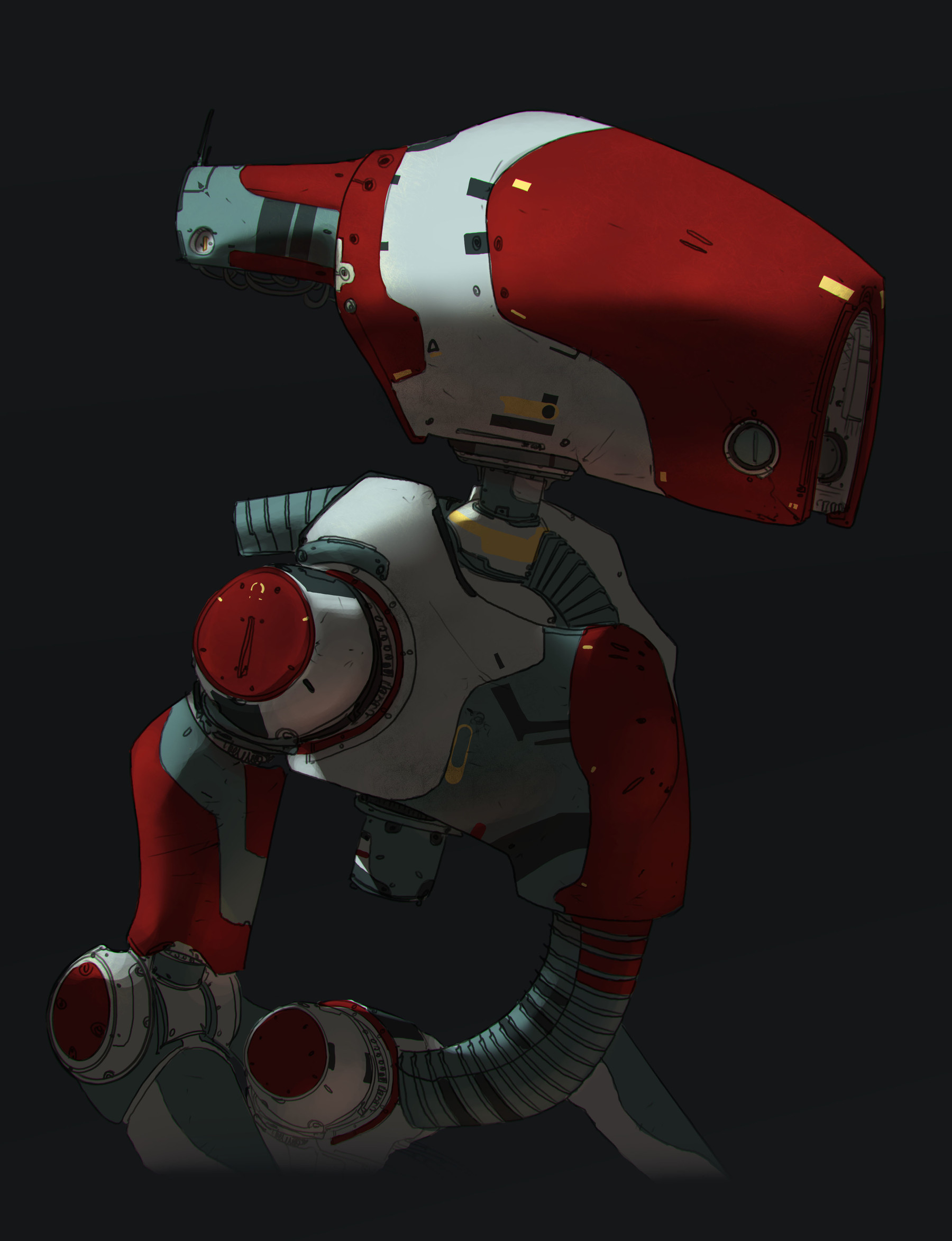
ADDING LIGHTING TO YOUR LINES. This video will help those who are confused about what to do next about their line work to push it further.
Video 1:
Set up the file for success.
Keep in mind all the things your lines represented.
Understanding the different stages of adding color, value, and details.
Add in the Graphic design.
Video 2:
Add in the Lighting, by understanding forms.
Adding in occlusion to your shadows and forms.
Video 3:
Details and layer modes.
How to push materials.
Video 4:
Touch ups.
This product contains: 50 minute video, PSD File, Hotkeys, Brush and Tool Presets.
If you have questions email robotpencil.info@gmail.com.
Thank you -AJ
For more videos please visit Robotpencil.net/tutorials.
For personal use and one commercial project (up to 2,000 sales or 20,000 views).
TutorialsOne copy to be used by a single user.
Installable ToolsOne installation by a single user.
Learn More